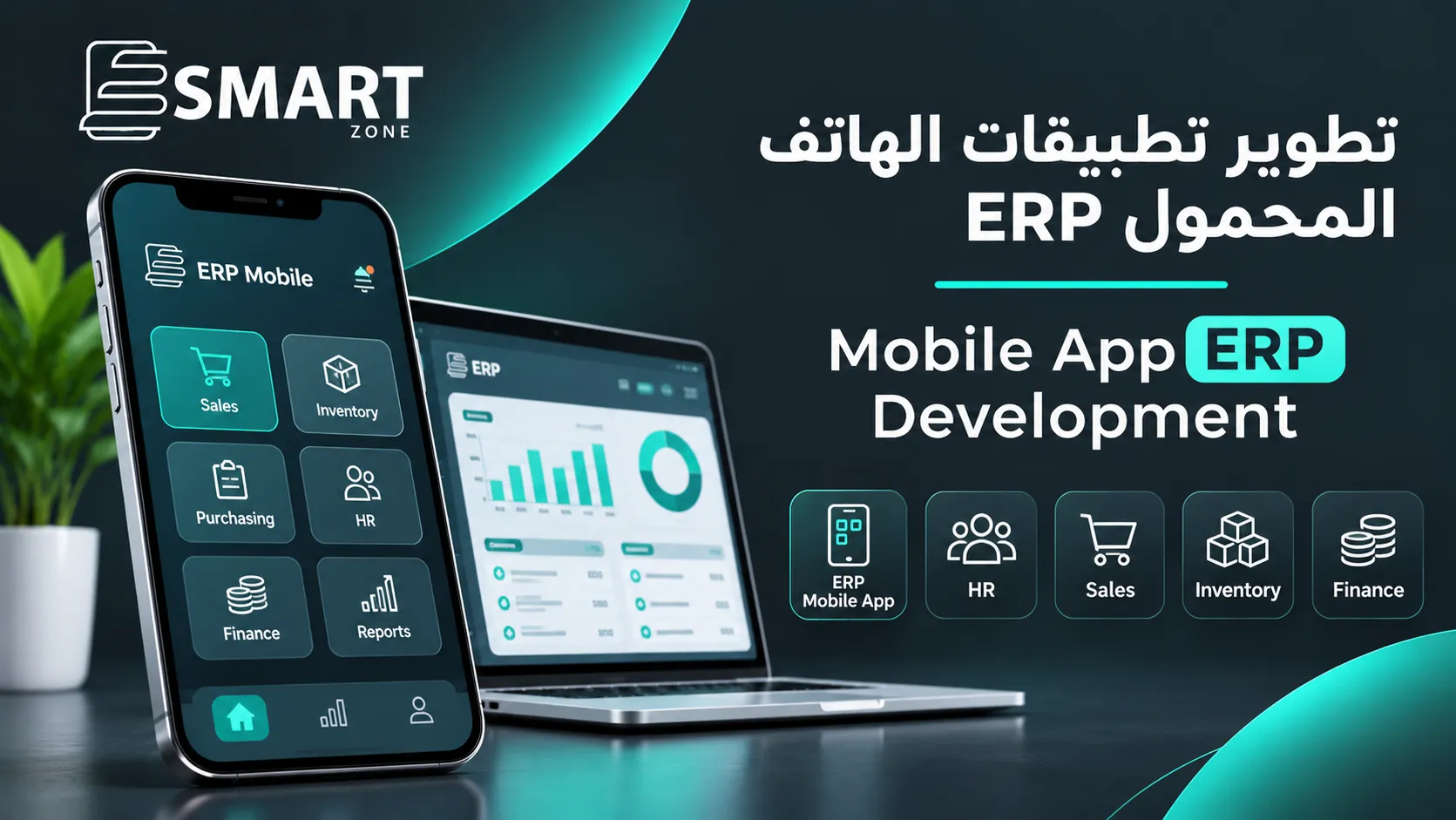
Smart Zone provides mobile ERP application development services in Jordan, helping businesses extend selected enterprise resource planning functions to smartphones and tablets.
As organizations expand across branches, warehouses, and field operations, employees and managers increasingly need access to business information and workflows away from their desks.
Mobile ERP applications can connect authorized users with enterprise systems, enabling them to review information, manage requests, update records, and perform relevant tasks from mobile devices.
At Smart Zone, we develop tailored mobile ERP applications and integrate them with backend systems, databases, and APIs while considering usability, security, data synchronization, and operational requirements.
We work with technologies such as Flutter for suitable mobile applications and PHP and Laravel for backend services and integrations, depending on project architecture.
We review existing enterprise systems and identify the workflows employees and managers need to access through mobile devices.
We build applications tailored to organizational processes, user roles, and functional requirements.
We use Flutter where appropriate to develop mobile applications aligned with the intended user experience and technical requirements.
We connect mobile applications with enterprise systems through suitable APIs and backend services.
We create mobile-friendly screens for reviewing important information, tasks, and operational indicators.
We develop features for accessing customer information, sales orders, quotations, and sales activity.
We help authorized employees review product information, stock quantities, and inventory movements.
We build interfaces supporting goods receiving, issuing, stock transfers, and inventory counting.
We can implement camera-based scanning features to identify products, records, and inventory items.
We develop functionality for reviewing purchase requests, supplier information, and approval statuses.
We help managers review, approve, or reject requests through defined authorization workflows.
We build screens for viewing assignments, updating task statuses, and tracking daily responsibilities.
We develop selected employee self-service and HR features, including leave requests and administrative workflows.
We help sales representatives record visits, submit orders, review customer details, and update field activity.
We develop functionality for tracking assigned tasks, delivery statuses, and order updates connected to enterprise systems.
We enable authorized teams to review orders, update progress, and manage relevant actions.
We develop features for accessing appropriate branch-level data and operational workflows.
We implement notifications for important events, including new requests, approvals, and status changes, using supported services.
We build mechanisms for exchanging and updating information between mobile applications and ERP backends.
Where required, selected features can support offline use and later synchronization, subject to clearly defined conflict-handling and data storage rules.
We implement suitable user authentication and session management features.
We define which functions and records users can access according to their organizational roles.
We consider secure communication, sensitive data handling, local storage, and appropriate access controls.
We design interfaces for smaller screens, touch interactions, readable information, and efficient task completion.
We develop multilingual applications with appropriate RTL and LTR support.
We implement features for locating orders, products, customers, and records efficiently.
We develop functionality for viewing, uploading, and associating files with authorized business records.
We build mobile-friendly views of selected reports and performance indicators.
We can integrate supported device capabilities where they serve the application's requirements and permissions.
We connect supported map and location services when needed for field operations or distribution activities.
We develop APIs for retrieving information, updating records, and executing authorized operations.
We review data loading, API responses, and interaction patterns to identify opportunities for better performance.
We test application functionality, permissions, integrations, and relevant scenarios on target devices.
We support internal distribution or app store preparation where required, subject to applicable platform policies.
We help improve existing applications through new features, interface refinements, and issue resolution.
Ongoing maintenance, updates, and technical support can be provided according to the project agreement.
A mobile ERP application gives authorized users access to selected enterprise resource planning features through smartphones or tablets.
These features may include order management, inventory updates, approvals, tasks, and reporting.
The mobile application can connect to an existing ERP platform or form part of a newly developed enterprise system.
Mobile ERP can be useful when teams perform important work away from office computers, including warehouse employees, sales representatives, branch managers, and field teams.
It can support more convenient access to information and timely updates to business records, depending on the system's functionality and implementation.
A core ERP system manages enterprise information and processes across business departments.
A mobile ERP application provides a mobile interface to selected functions, prioritizing accessibility and task completion on smaller devices.
It does not necessarily replace the complete ERP platform.
Flutter can be used to create mobile application interfaces, while Laravel can support backend services, business logic, and APIs.
The technical approach depends on the existing ERP environment, integration requirements, and target devices.
Mobile applications can be designed for specific departments, such as inventory counting for warehouse teams, order entry for sales representatives, approvals for managers, or employee self-service.
Role-specific applications help present the most relevant features without unnecessary complexity.
Mobile ERP applications require appropriate authentication, permissions, data transmission, and storage controls.
Offline functionality also requires clear rules for resolving changes and synchronizing information when connectivity returns.
Review the existing ERP system and user requirements.
Define the mobile workflows and features.
Assess backend integration and API requirements.
Design mobile screens and user journeys.
Develop the application and supporting services.
Implement permissions, notifications, and synchronization.
Test on target devices.
Prepare deployment and delivery.
Provide maintenance and improvements as agreed.
Smart Zone combines mobile application development, system analysis, Laravel development, and API integration capabilities.
This helps us develop mobile applications connected to practical business workflows while considering usability, security, and enterprise system requirements.
Looking for mobile ERP app development services in Jordan to connect your sales teams, warehouses, employees, and managers with your business system?
Contact Smart Zone to discuss your existing ERP environment and the mobile functionality your organization needs.
© Smartzone is Proudly Owned by Smartzone Smartzone
