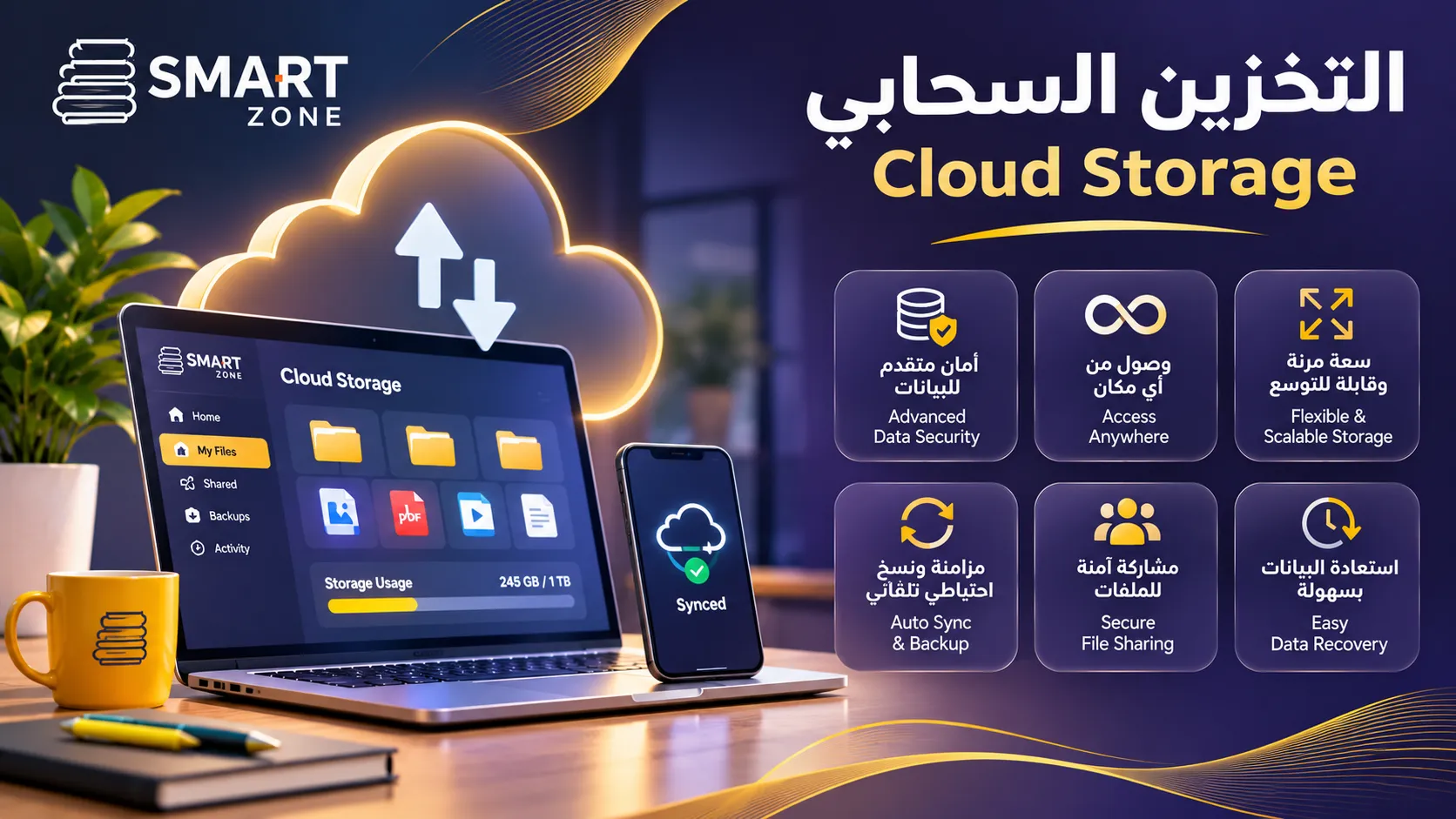
At Smart Zone, we provide cloud storage consultation, configuration, and integration services in Jordan to help businesses organize, manage, and access digital files through cloud infrastructure suited to their operational requirements.
As organizations generate more documents, application files, media assets, and business records, storage becomes an important part of their technology environment.
Choosing an appropriate cloud storage solution involves more than capacity. Businesses also need to consider access permissions, data protection, application integrations, retention policies, recovery requirements, performance, and ongoing costs.
Our approach focuses on assessing storage requirements, evaluating suitable options, configuring cloud storage environments, and integrating them with websites, applications, and business systems.
We begin by reviewing the types of files and data an organization uses, current storage volumes, expected growth, and access requirements.
This helps identify suitable capacity, storage models, retention policies, and technical considerations.
We help configure cloud storage environments through suitable third-party providers.
Depending on the project, configuration may include storage organization, access permissions, application connectivity, and relevant security settings.
Businesses often need structured storage for contracts, reports, images, administrative records, and operational documents.
We help design storage workflows that connect files to the appropriate users, records, and business processes.
Modern websites and applications frequently store uploaded images, documents, and user attachments separately from the main application server.
We help integrate cloud storage services with custom applications and websites according to their architecture and access requirements.
Laravel applications can integrate with compatible S3-style object storage services and other supported storage providers.
Depending on project requirements, integrations may include file uploads, storage paths, download authorization, attachment management, and file processing.
The implementation depends on provider capabilities and application requirements.
Not every stored file should be publicly accessible.
We help define access policies for different users and departments, distinguishing between public and private files.
Appropriate controls may be implemented within the application and through the cloud storage provider.
Cloud storage security involves secure communication, credential management, access controls, and storage configuration.
We can also evaluate encryption-at-rest options and key management requirements where supported by the provider.
Cloud storage does not automatically eliminate every security risk.
Cloud storage can provide a destination for backups of application files, databases, and business information.
We help evaluate backup frequency, retention requirements, storage locations, and recovery procedures.
Regular restoration testing is important because storing backup files does not guarantee successful recovery.
Organizations may need to move files from local servers, legacy systems, or existing storage providers.
We help plan migration activities, review data volumes and dependencies, and verify file integrity after transfer.
Structured file management makes stored content easier to locate and associate with application records.
We can design workflows that retain original filenames, file types, sizes, upload dates, and relevant metadata in the application's database.
Unique storage identifiers can help avoid filename conflicts.
Cloud storage pricing may depend on capacity, storage class, API requests, data transfer, and retrieval patterns.
We help assess usage requirements and evaluate options that balance cost, performance, and accessibility.
Some organizations need to retain documents for specific periods or move infrequently accessed data into lower-cost storage classes.
We help assess lifecycle policies, archiving requirements, and deletion procedures according to business needs and provider capabilities.
Monitoring storage growth and consumption helps organizations plan capacity and identify unexpected usage patterns.
We help determine appropriate usage indicators and review available provider reporting features.
Cloud storage can support HR systems, recruitment platforms, customer management applications, project management tools, and document workflows.
Integration allows files to be associated with relevant business records while maintaining appropriate access controls.
Ongoing support may include reviewing storage configurations, troubleshooting uploads and downloads, maintaining integrations, and assessing resource usage.
The specific services and support arrangements depend on the agreed contract.
Cloud storage is a model in which data is stored on infrastructure operated by a service provider and accessed through a network using appropriate permissions and configurations.
It can support application attachments, company documents, user uploads, backups, and archived data.
Object Storage: Commonly used for images, attachments, backups, and other unstructured files.
File Storage: Provides file-oriented storage that can support shared directories and file access workflows.
Block Storage: Commonly used with virtual machines, databases, and systems requiring attached storage volumes.
The appropriate model depends on application requirements, performance needs, and access patterns.
Cloud storage can provide flexible capacity, application accessibility, and easier integration with digital systems.
It may also reduce the need to operate certain local storage components, although costs, reliability, and performance depend on the selected provider and architecture.
Cloud storage is used to retain and access files and data.
Cloud backup focuses on maintaining recoverable copies in case information is deleted, corrupted, or lost.
Simply placing files in cloud storage is not a complete backup strategy.
When selecting a provider, businesses should consider data location, access controls, encryption, retention policies, and recovery capabilities.
Relevant contractual, privacy, and regulatory requirements should also be evaluated according to the type of information stored.
We combine custom software development experience with practical cloud infrastructure and application integration knowledge.
Our approach emphasizes organized file management, appropriate permissions, maintainable integrations, capacity planning, and a clear understanding of provider responsibilities.
Looking for cloud storage solutions in Jordan, business file storage, or cloud storage integration for a Laravel application, website, or enterprise platform in Amman?
Contact Smart Zone to discuss your data requirements, storage workflows, security considerations, and integration needs.
© Smartzone is Proudly Owned by Smartzone Smartzone
